FLUIDLAB
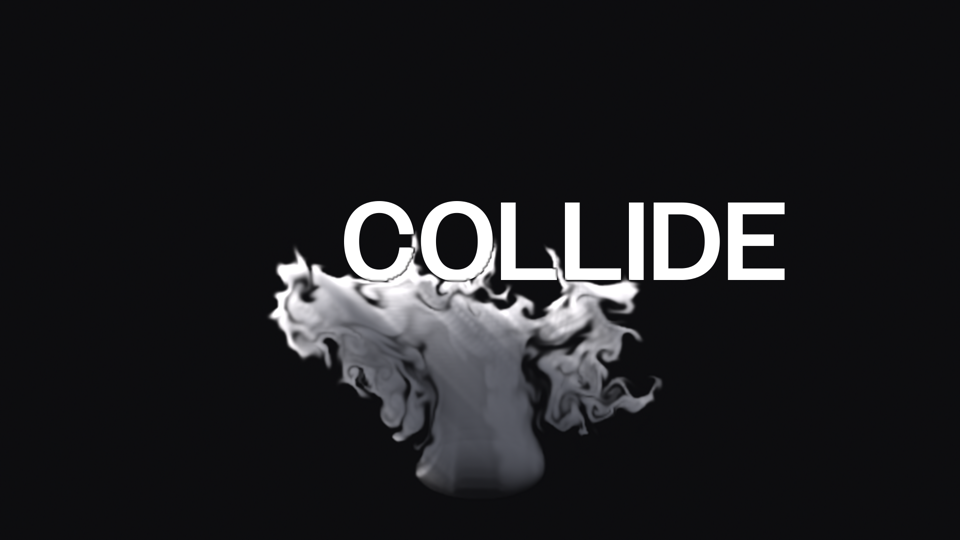
Smoke and fire, simulated inside After Effects. Your layers are the fuel and the obstacles: text, shapes, and footage give off smoke, catch fire, slam down in bursts of dust, and push the air around.
FluidLab is an After Effects effect that runs a real 2D fluid simulation on a layer. Pick up to three fuel layers and they give off smoke in their own colors (or burn, if you'd rather have fire). Pick collision layers and the smoke flows around them, and when they move they shove it out of the way. Everything is keyframable, and every frame renders the same way every time, in the Render Queue, with Multi-Frame Rendering, or in aerender.

Three fuel slots plus a built-in emitter. Smoke takes the layer's colors or a custom one, can inherit the layer's motion, or blows one way as a jet.
Three collision slots. Smoke flows around the layer's exact shape, and moving layers push it.
Fuel burns into heat, flame, and soot, and spreads by ignition temperature. The flames light the smoke around them and glow.
Keyframe a burst and smoke or dust blasts out from a layer in every direction, for slams and impacts.
A directional light with self-shadowing, three point or spot lights you drag around the comp, your comp's own lights, and other layers casting shadows onto the smoke.
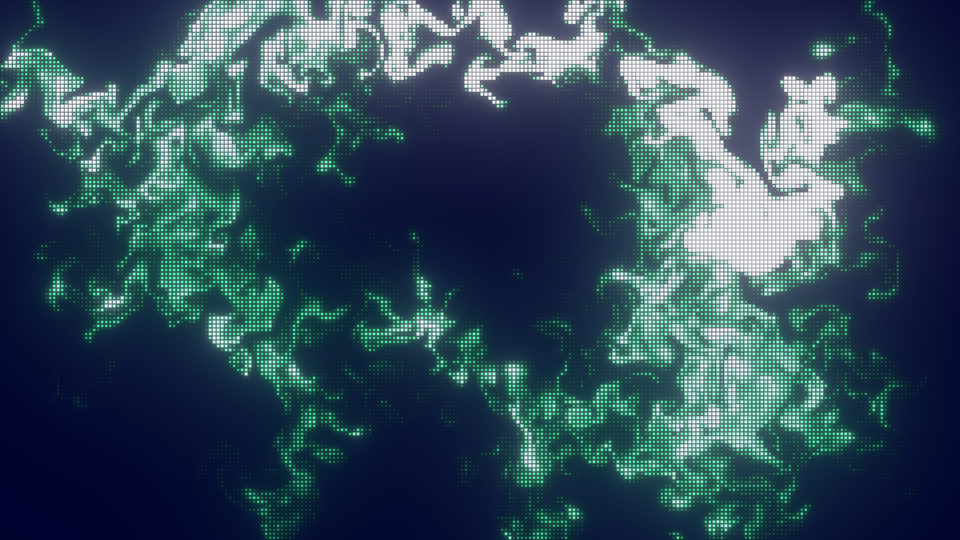
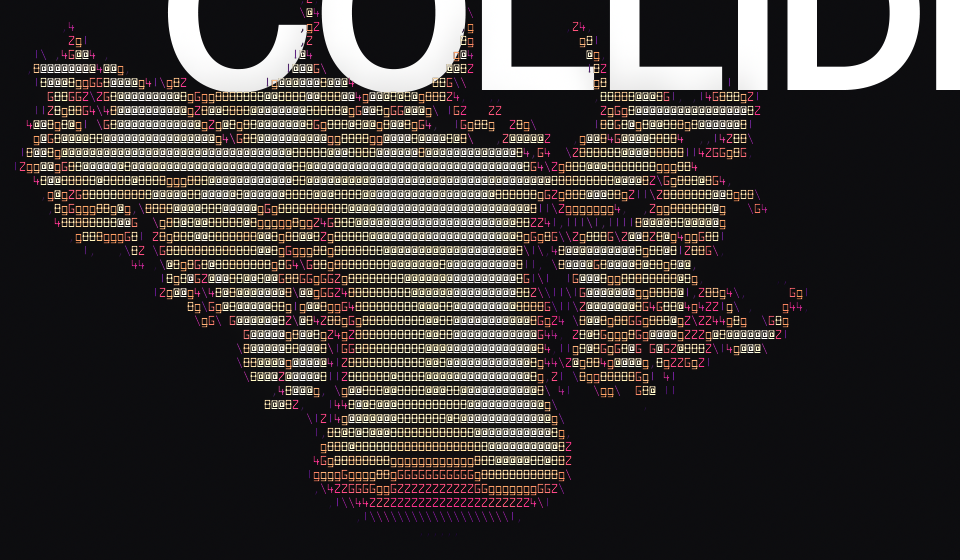
ASCII, Dot, Grid, Pixel, Flow, and Outline, with color palettes and bloom. ASCII comes with twelve FluidLab Mono fonts, or uses any font file you choose.
A seed and turbulence give you different takes with the same settings, and they're repeatable.
Smoke detail finer than the flow grid, sharp advection, and a cache that resumes from the nearest frame. On a Mac the simulation and drawing can also run on the GPU: Metal on a Mac, DirectX 11 on Windows (new).
- Install — run the installer for your system. It needs an administrator password, since After Effects plug-ins live in a shared folder.
- Start (or restart) After Effects.
- Make a solid the size of your comp, then apply Effect → FluidLab → FluidLab. Smoke starts from the built-in emitter right away.
- Choose your layers under Fuel 1–3, Collision, and Burst 1–2. The layers you pick can stay hidden.
The installers aren't signed yet
macOS: if the installer says it
can't be opened, right-click it and choose Open. On macOS
15 and later, open System Settings → Privacy & Security
instead and click Open Anyway.
Windows: if SmartScreen says it protected your PC,
click More info, then Run anyway.
The plug-in installs to
/Library/Application Support/Adobe/Common/Plug-ins/7.0/MediaCore/FluidLab
on macOS and
C:\Program Files\Adobe\Common\Plug-ins\7.0\MediaCore\FluidLab
on Windows. To uninstall on macOS, delete that folder; on Windows,
use Settings → Apps.
After Effects on macOS 12 or later (Apple Silicon or Intel) or 64-bit Windows. Developed and tested on After Effects 2026; earlier versions haven't been tested. The Windows version is newer and has had less testing; its GPU mode (DirectX 11, which needs a GPU with feature level 11.1) is new in 0.1.31. Everything runs locally: no accounts and no network calls.